Product Design · Design Systems · 2024
Scalable Design System
A shared system of components, documentation and automation designed to reduce fragmentation across Figma workflows and multilingual production.

00 / Context
Project brief
- Project
- Scalable design system and workflow standardization
- Year
- 2024
- Role
- Product Designer
- Scope
- Research, component standards, documentation and workflow automation
01 / Context
Challenge
As workflows expanded, teams structured and interpreted Figma files in different ways. This created fragmented layouts, inconsistent external deliverables, navigation difficulties and repetitive production work.
The project aimed to create a shared foundation for reusable assets, documentation and automation while supporting work in Portuguese, Spanish and English.
My role
As Product Designer, my scope included research, component standards, documentation and workflow automation. I worked collaboratively with the team on the assets and tools shown in this case.
02 / Research
Research
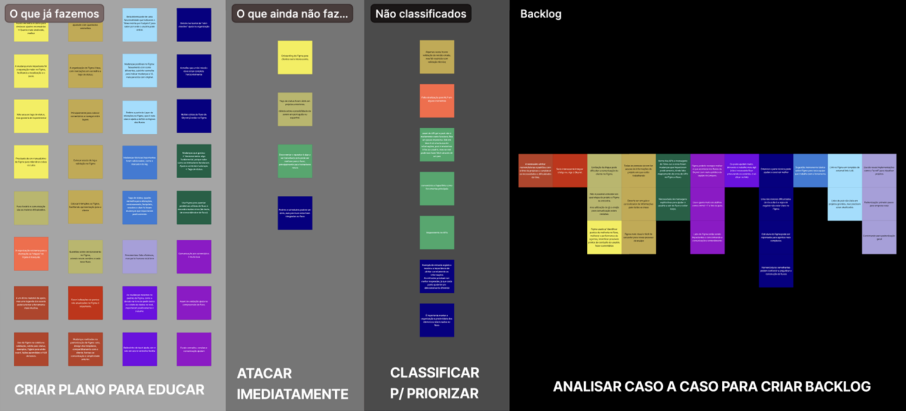
The research combined objectives and hypotheses, interviews, surveys and workflow observation. Findings were synthesized through empathy maps, affinity mapping and personas.
- Objectives and hypotheses
- Interviews and surveys
- Workflow observation
- Empathy maps and affinity mapping
- Personas
What the team learned
Inconsistent structures
Different teams organized Figma files in different ways, increasing interpretation and navigation effort.
Uneven familiarity
People with different levels of Figma experience needed to use and contribute to the same system.
Repetitive production
Navigation, link generation and multilingual asset production created recurring manual work.



03 / Foundation
System principles
Reusable
Shared components and templates addressed the variation introduced by fragmented structures.
Discoverable
Guidance and navigation reduced the effort needed to find and understand assets in large files.
Accessible across experience levels and languages
A shared entry point supported different levels of Figma familiarity and multilingual production.
04 / System
Components and documentation
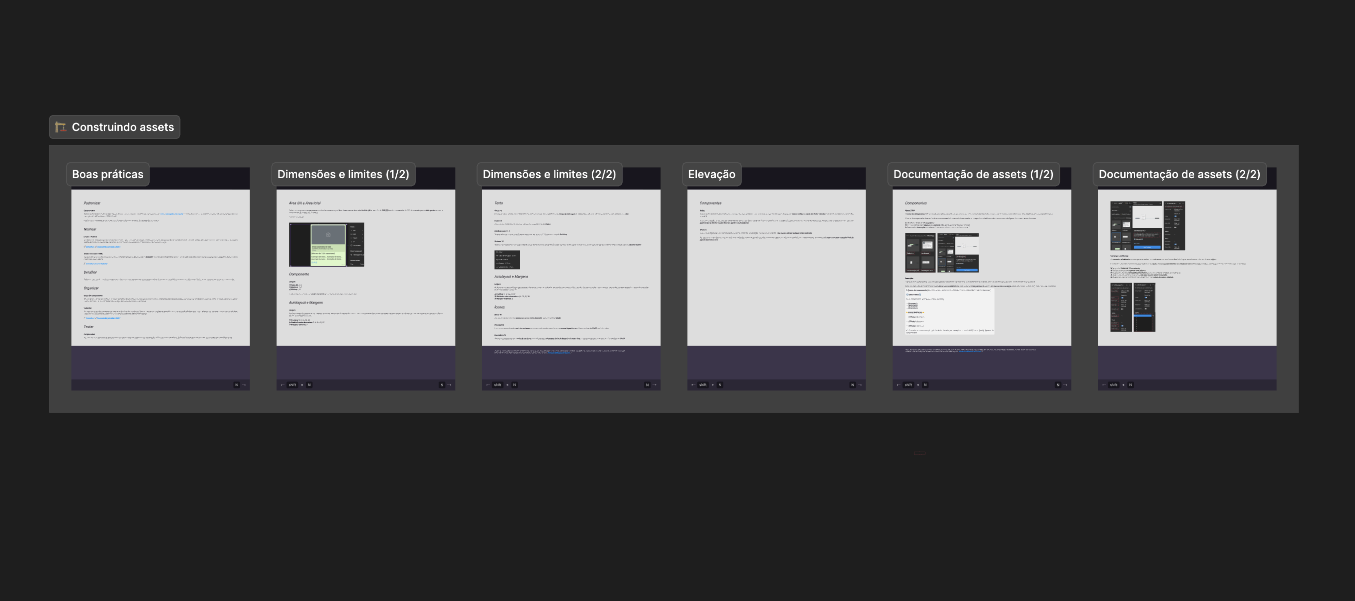
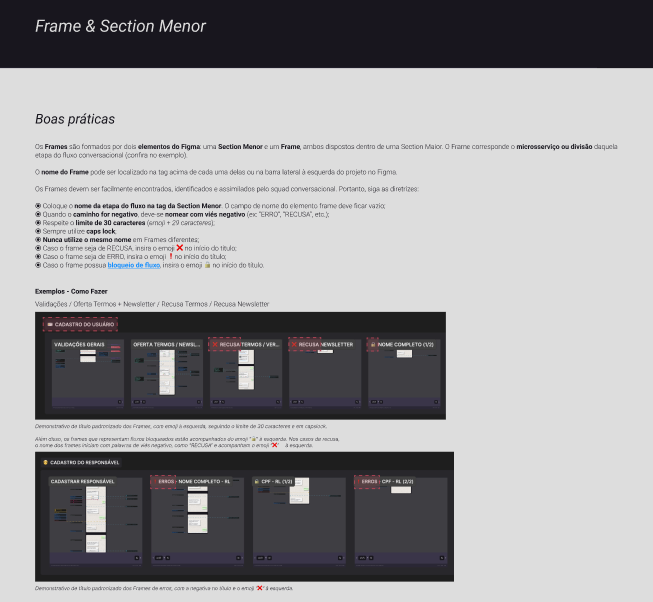
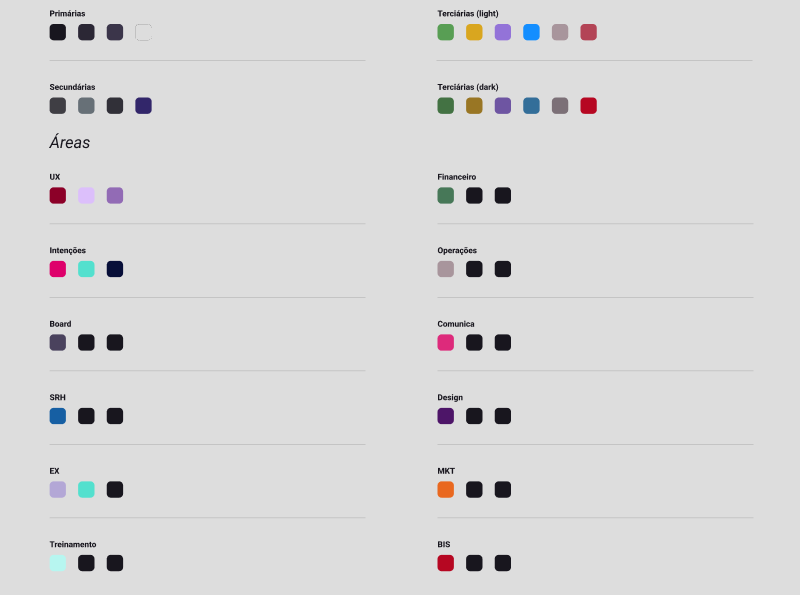
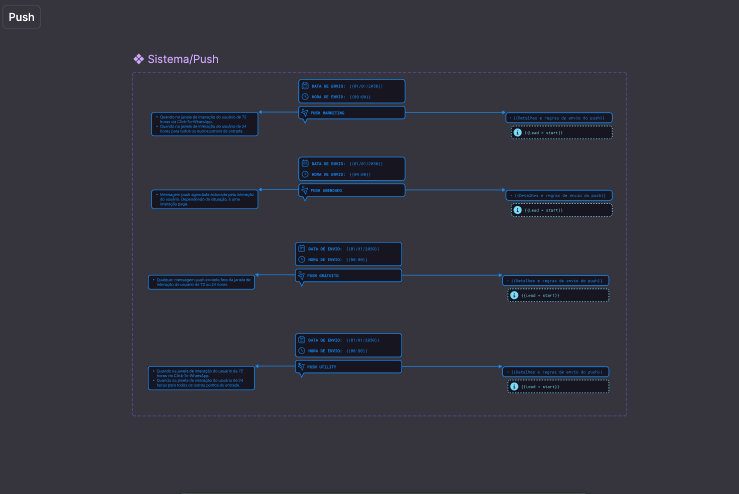
The shared library included buttons, typography, color guidance and templates. Creation guidelines and an onboarding path connected standards to daily production.
05 / Workflow
Automation
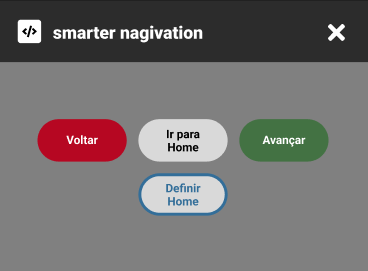
Plugins supported link generation, navigation across large files and multilingual asset production, reducing disconnected manual workflows.
Adoption
Assets and guidance were made available through Figma’s side panel, connecting standards and documentation to day-to-day production.
The structure created a shared entry point for reuse and onboarding across different levels of Figma familiarity.
06 / Outcome
Outcomes and limitations
The project consolidated reusable components, documentation and workflow automation in a shared Figma structure. It reduced fragmentation, created a clearer onboarding path and established a foundation for continuous improvement.
Adoption and efficiency were not consistently measured with a documented baseline, period and calculation method. For that reason, this case focuses on the delivered system and observable workflow changes rather than estimated percentages.